
Melo-D Guitar App
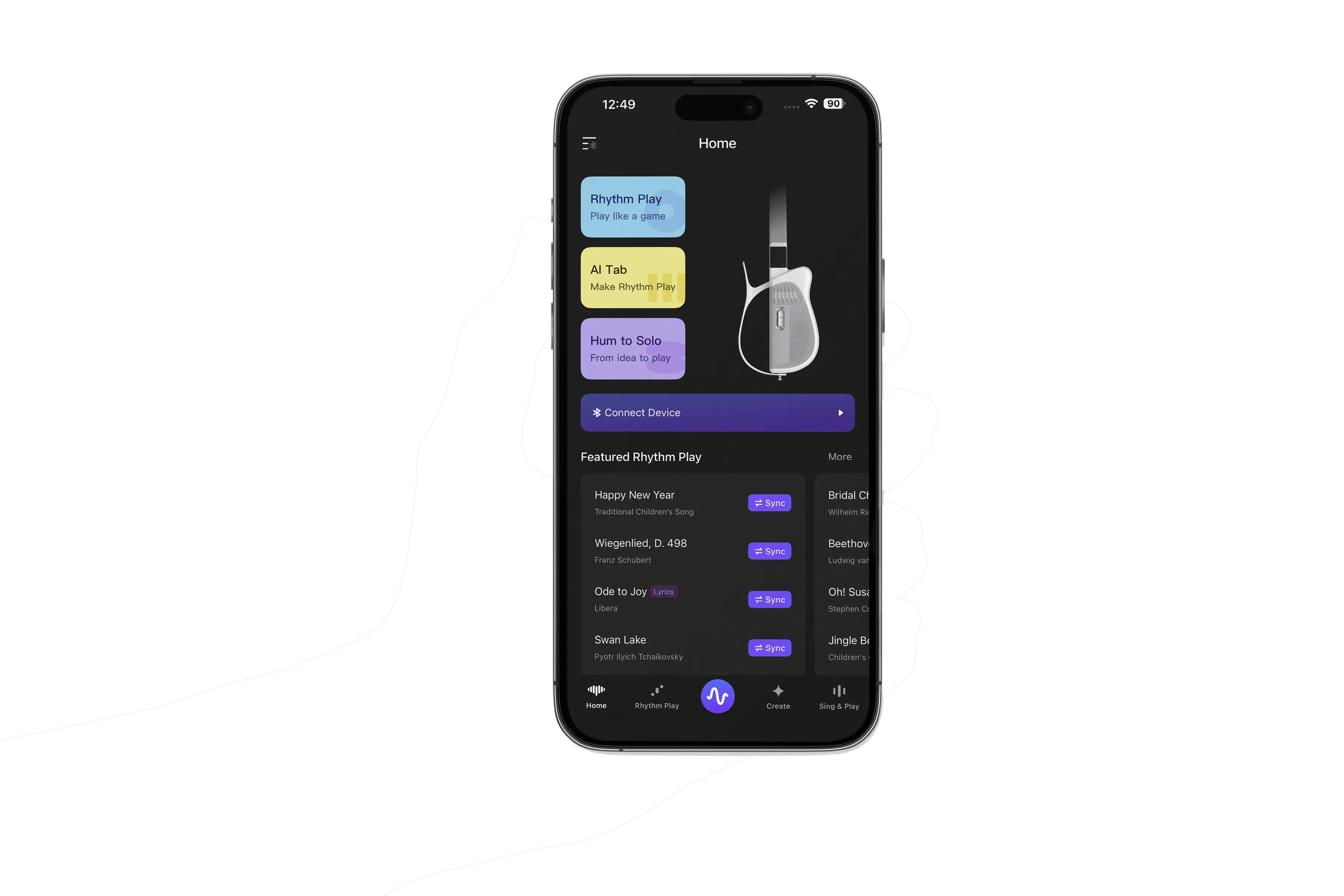
The dedicated companion for Melo-D. AI Tab, Hum-to-Solo, and your song library — all in one place. Sync songs, manage your device and tones, and unlock everything Melo-D can do.
Common Questions.
Some things — yes. You can browse the song library and explore AI Tab in preview mode without the guitar. But to actually play, sync songs generated by Hum-to-Solo, or get real-time guidance, you'll need your Melo-D paired and connected.
Open the app, tap the device icon in the top right, and follow the in-app pairing flow. On first connection, you'll need to connect via Bluetooth and Wi-Fi, and update the guitar's firmware to the latest version for the best experience. Once set up, AI Tab and Hum-to-Solo song sync runs over Wi-Fi — the whole process takes under 30 seconds.
Open the Hum-to-Solo feature in the app and hum any melody into your phone's microphone — perfect pitch not required. The AI transcribes your melody and arranges it into a playable guitar solo. You can preview a 30-second clip in the app before syncing it to your Melo-D. Once synced, on-screen guidance and LED indicators along the neck light up to show you exactly where to press. Just follow the lights and play.
Yes. AI Tab supports uploading an audio file. The AI engine transcribes the melody and arranges it into a fingerstyle guitar piece, then sends the playable tab straight to your guitar.
Yes — and app updates are free. The app and guitar firmware update together, with new tones, rhythm patterns, and AI features added regularly. VIP Early Access backers get first access to everything new.