Related chords, all within reach
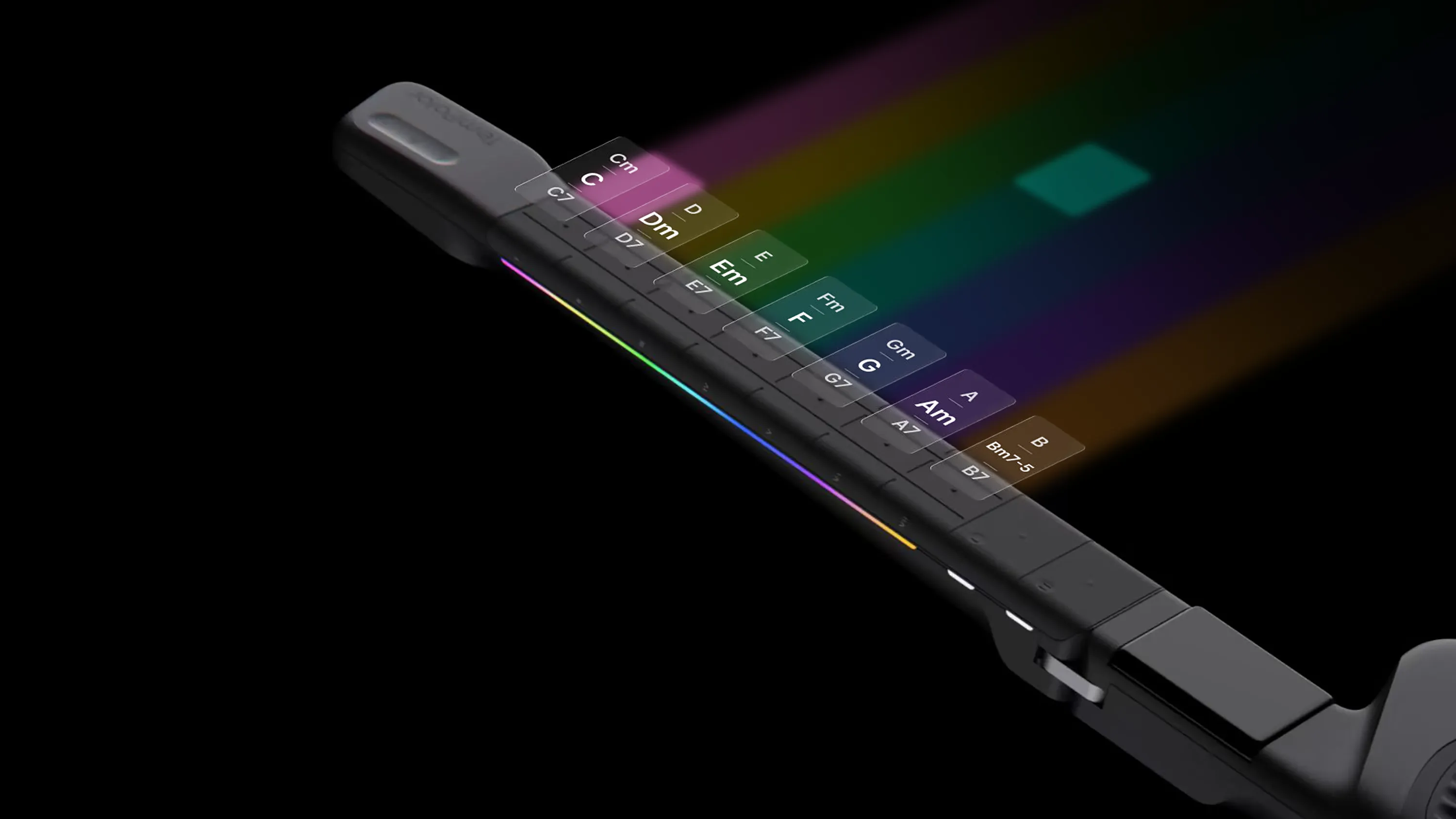
Melo-D groups seven related chords by their musical relationship, so you can move between them without memorizing a different fretboard shape for every chord.
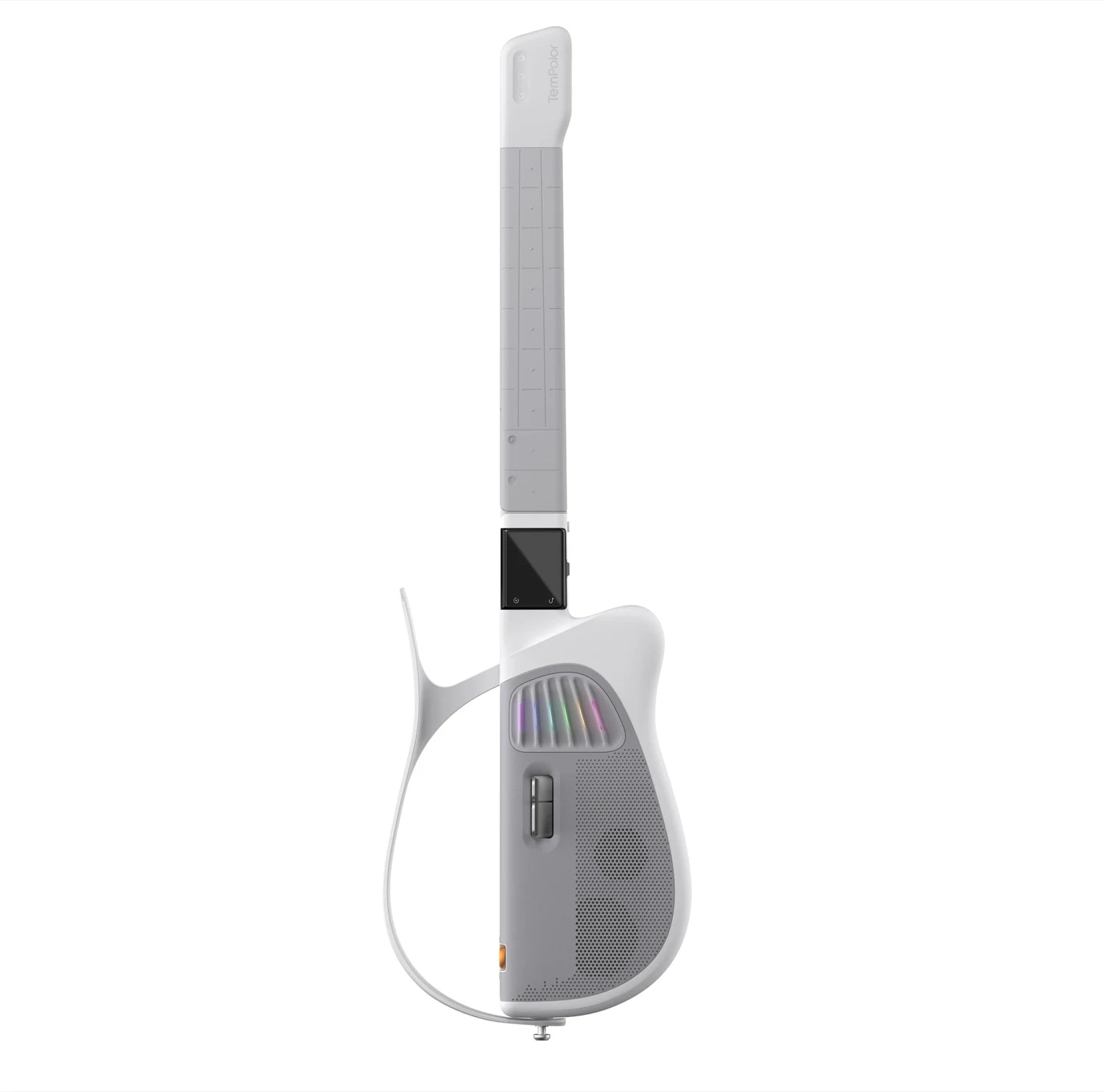
MELO-D · GENERATIVE AI GUITAR
Choose a chord. Follow the lights. Start playing, even if you’ve never played guitar before.
POWERED BY THE TUNEE MUSIC AI
Choose a chord. Follow the lights. Start playing with Melo-D, even if you’ve never played guitar before.
POWERED BY THE TUNEE MUSIC AI
MELO-D · GENERATIVE AI GUITAR
Explore Melo-D
iF Design Award2026

MUSE GoldGenerative AI

MUSE SilverMusical Instrument

London Design AwardsGold

NY Product Design AwardsSilver

Best of the Best2026
Follow the rhythm, play the melody, or create your own.
Follow the lights. Get into the song. Find your rhythm, one phrase at a time.
Hold a chord with one hand, then follow the six-line tab on your phone and the light guides on the Rainbow Strings with the other.
Find your chords, add a strum and sing along. Keep it simple or make more room to explore.
Hum a melody into the app. Turn it into a solo, sync it to Melo-D and hear it in your hands.
Use AI Tab for a playable solo arrangement, or AI Chord for a lyric-and-chord arrangement from a vocal track. Review the result in the app, then sync it to Melo-D.
CHORD LAYOUTS
Melo-D meets you where you are. 7 core chords to start — enough for hundreds of songs. One tap unlocks the full 21-chord advanced layout.
Tap a chord to listenC
WHY CHORDS?
Melo-D maps chords by musical logic instead of traditional fretboard, creating a simpler and more intuitive way to play.
Melo-D groups seven related chords by their musical relationship, so you can move between them without memorizing a different fretboard shape for every chord.
A simplified chord layout means fewer finger positions to remember and less movement between chords, making it easier to get started and keep the music going.
With no strings to press against frets, Melo-D requires less finger pressure and stretching, making it more approachable for younger players and people with limited hand strength or mobility.
For a quiet afternoon. For the people you love. For the song that brings you together.

AT HOME

TOGETHER

YOUR EVERYDAY
Watch the controls in action and hear what you can play.
Made by the Tunee team
Melo-D integrates Tunee's AI music system to power its intelligent music experience.
With Tunee's music intelligence behind it, Melo-D brings richer music generation and smarter creative tools directly into the way you play.
Meet Tunee(opens in a new tab)Read about Melo-D in Guitar World and the MIDI Association’s CES coverage
Check return eligibility, product condition requirements and return costs before ordering. Contact our team before sending your guitar back.
Returns & supportThe published policy lists a one-year limited warranty from delivery for manufacturing defects. Review coverage and confirm repair and shipping costs with our team.
Warranty helpReview the shipping options at checkout. Watch your order email for dispatch and tracking updates.
Order & deliveryAsk about your guitar, app or order. Questions before buying are welcome; no order number needed.
Contact supportFind setup steps and official demonstrations, all in one place.
Explore tutorialsCompare finishes and review your order before checkout on the official store.
Explore Melo-DCreate and review a playable part in the Melo-D Guitar app, then sync it to your guitar. Generation and syncing require internet.
Meet the appYou can begin with the 7-key layout and follow the light cues. The 21-key layout gives you more chord choices as you become comfortable.
Once your songs are synced, you can play on Melo-D itself. App-based features such as AI Tab and Hum-to-Solo need the Melo-D Guitar app and a network connection to generate and sync content. AI Jam generation also needs a network connection.
Import supported audio you own or have permission to use. Create and review an AI Tab or AI Chord arrangement in the Melo-D Guitar app, then sync it to your guitar. Results vary with the recording and song complexity.
Melo-D, a USB-C charging cable, an adjustable strap and a gig bag. Check the current order details on the official store before purchasing.
Shipping timing depends on your destination and the shipping option selected at checkout. Check your order email for dispatch and tracking updates.
The published policy lists a 15-day return window from delivery for eligible change-of-mind returns. Contact support before returning anything. Product condition and return costs affect eligibility and the refund; review the full policy before ordering.
The published policy lists a one-year limited warranty from delivery for manufacturing defects. Contact support with proof of purchase and your device serial number. Check the policy and confirm repair and shipping costs before sending your guitar.
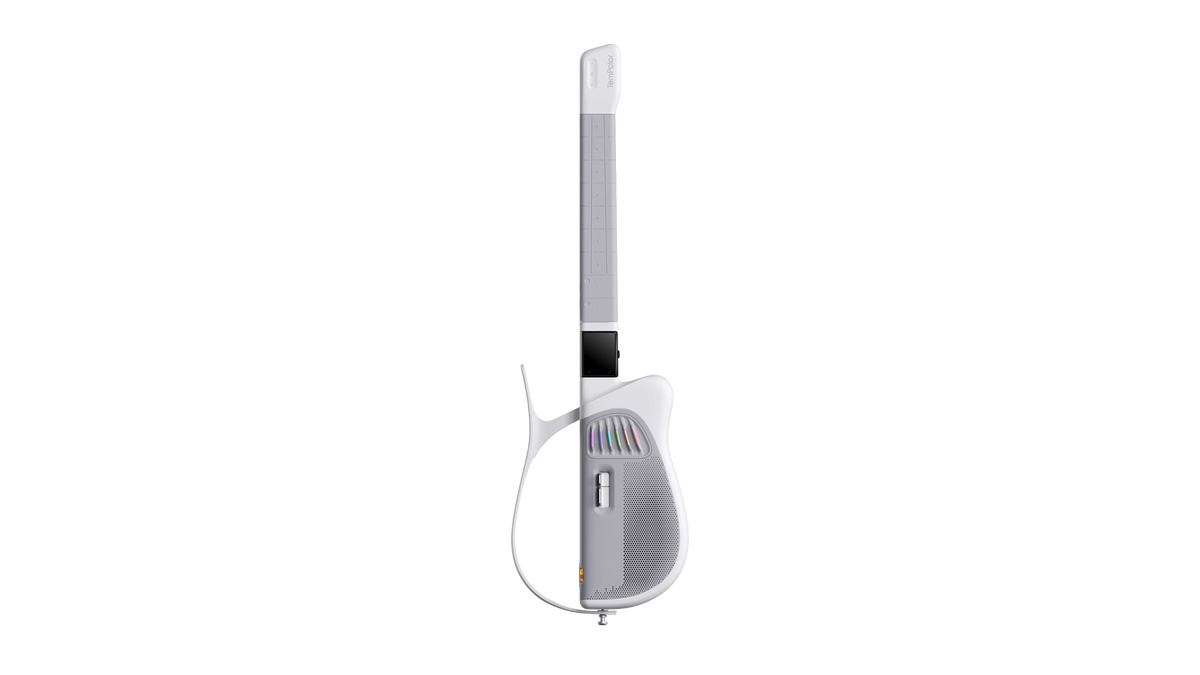
YOUR MELO-D
Pearl White or Obsidian Black.
Choose your finish and make it yours.

