MELO-D GUITAR APP
Turn an idea
into music you can play.
Hum a melody or import supported audio. Create and review an arrangement in the Melo-D Guitar app, then sync it to your guitar.
Explore the app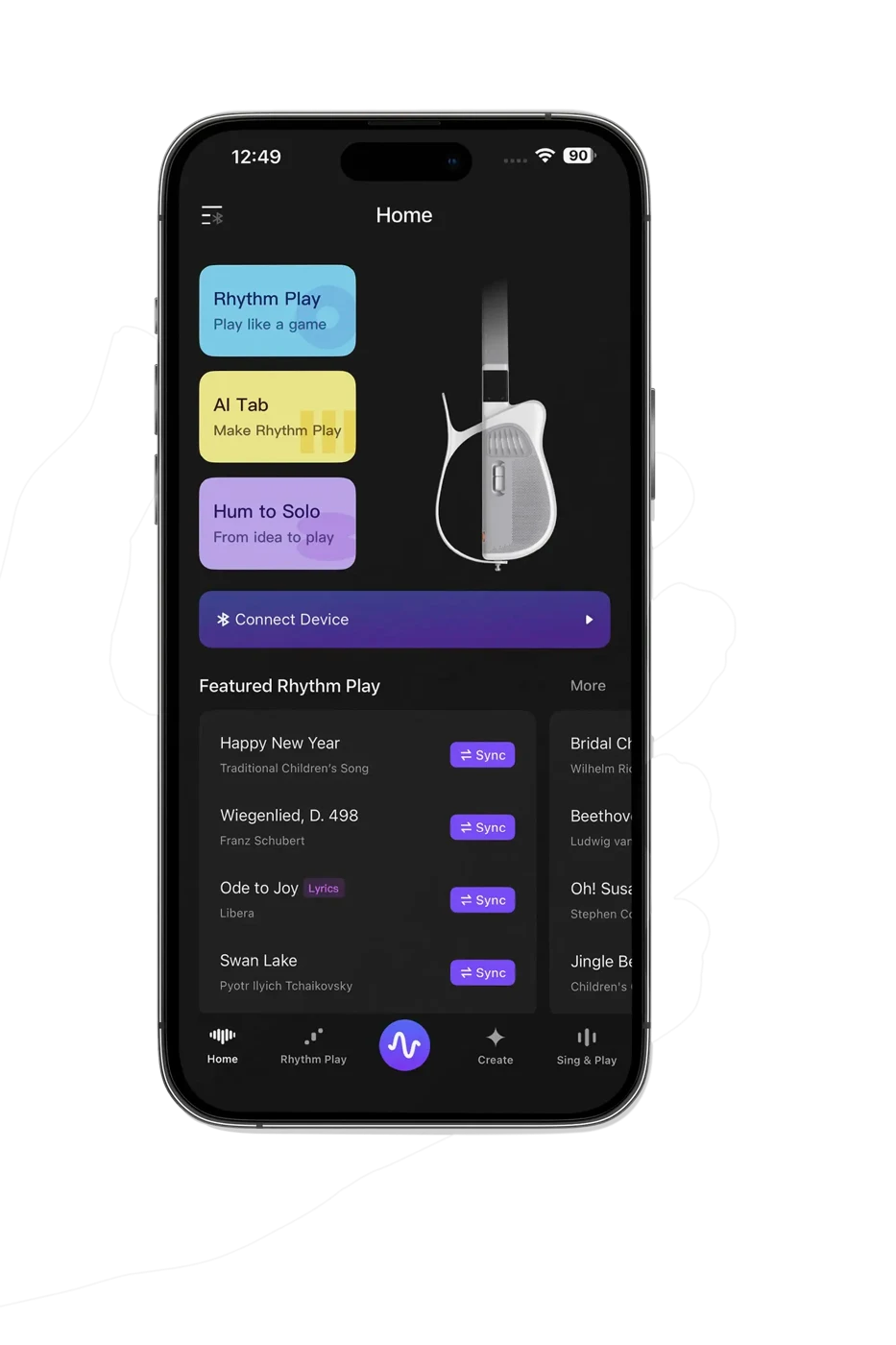 One app. More ways to play.
An idea becomes a song.
Choose where to begin.
Your favorite song.
In your hands.
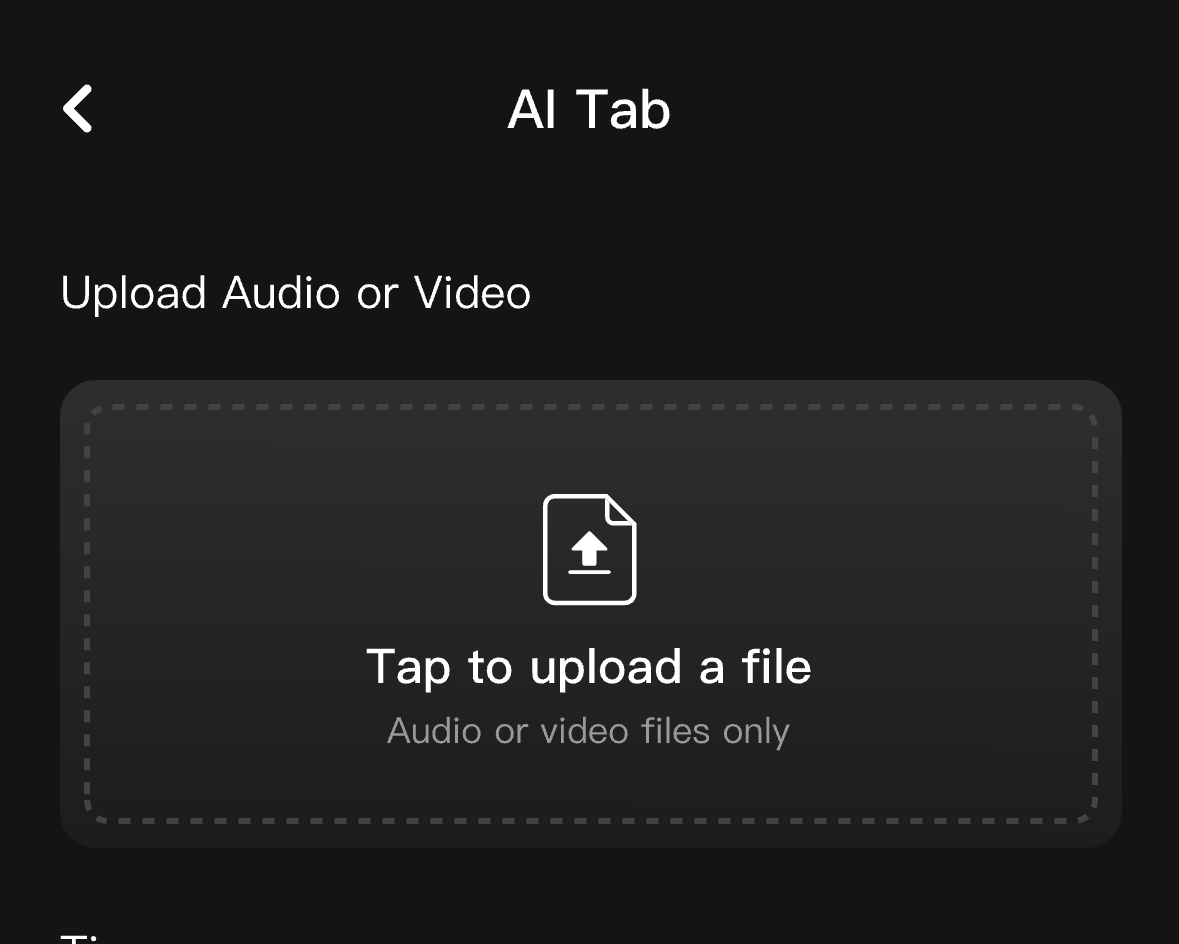
Import supported audio you own or have permission to use. Create and review a playable arrangement and six-string tab, then sync it to Melo-D. Results vary with the recording and song complexity.
- Bring an audio file
- Create an arrangement
- Sync to Melo-D
It starts
with a hum.
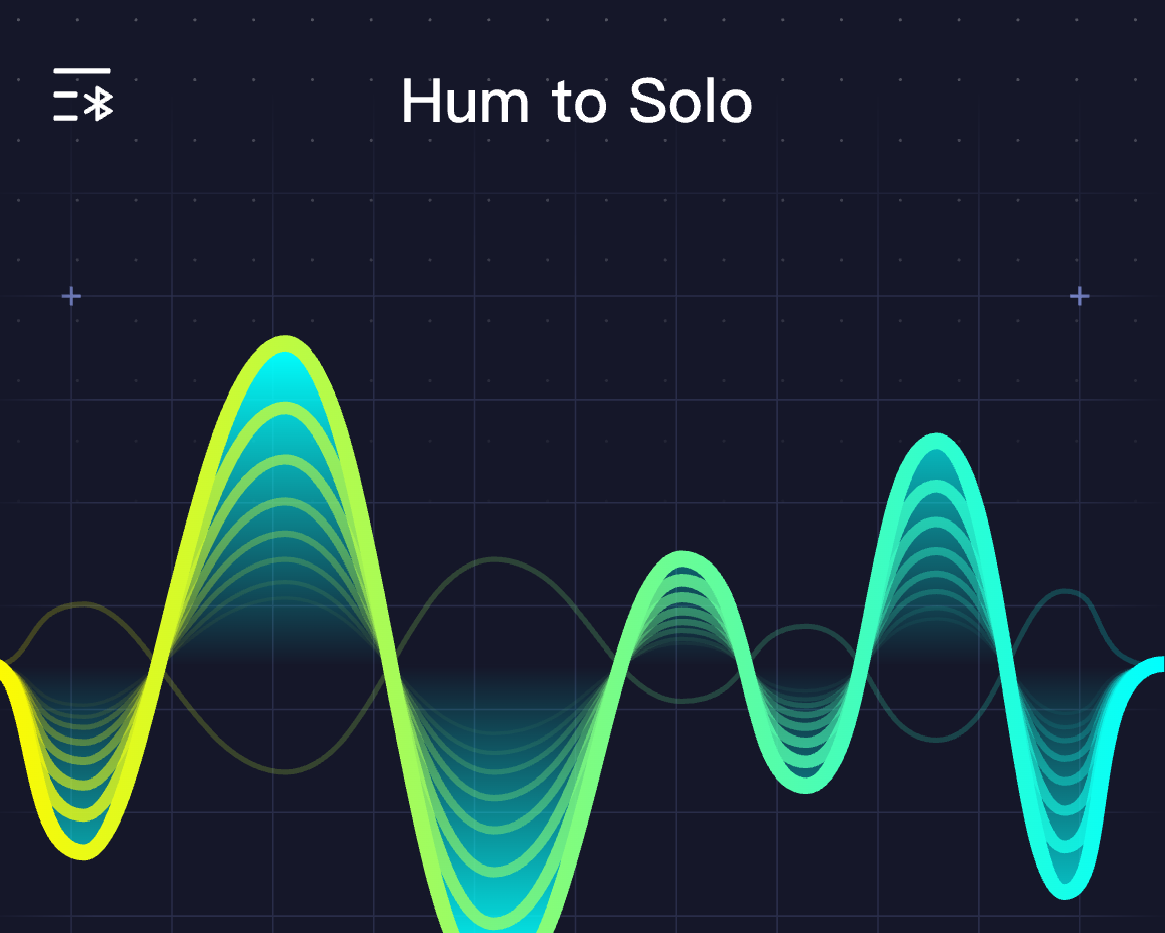
Record the melody in your head. Turn it into a solo you can preview and play on Melo-D.
- Hum into your phone
- Generate and review your solo
- Sync to Melo-D and follow the lights
Make room
for your voice.
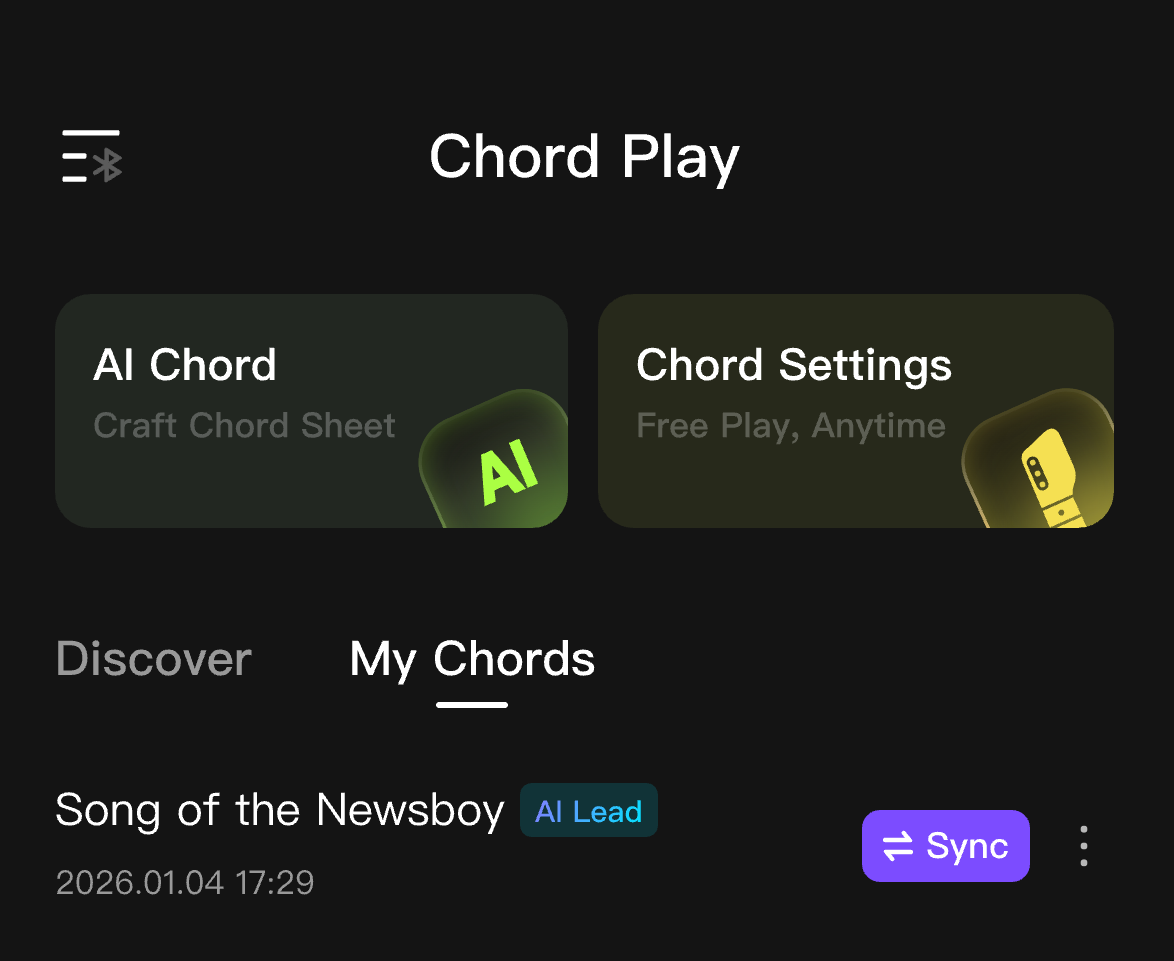
Create a lyric-and-chord arrangement from a supported vocal track. Review it, sync it to Melo-D, then follow the screen as you sing and play.
- Import a vocal track you have permission to use
- Generate and review the arrangement
- Sync to Melo-D, sing and play
PHONE TO GUITAR
Connect the app
to Melo-D.
Follow the setup guide to pair your guitar and sync your first song.
Open the app
Install Melo-D Guitar and turn on your instrument.
Pair your Melo-D
Follow the device connection flow using Bluetooth and Wi-Fi.
Sync and play
Send a song to your guitar and follow the lights.
Before you connect.
Do I need Melo-D to use the app?
You can explore the library and preview AI Tab without a guitar. Playing and syncing arrangements requires a connected Melo-D.
How do I connect?
Tap the device icon in the app and follow the pairing instructions. Keep Bluetooth and Wi-Fi available, and install any requested firmware update.
Do AI features need internet?
Yes. Generating arrangements and syncing songs require a network connection. Once a song is synced, play it on the guitar.
Where can I get help?
Visit Tutorials for setup and feature guides, or contact support@tempolorguitar.com for help with your device.
Melo-D app questions, answered
Understand the workflow before you upload or generate.
What does AI Tab generate?
Upload supported audio you own or have permission to use. AI Tab creates a playable solo arrangement for Melo-D. Review the result and sync it to the guitar. It is an arrangement, not a promise to reproduce every note of the recording.
How does Hum-to-Solo work?
Record your melody in the Melo-D Guitar app, generate a solo, then sync it to your Melo-D guitar. App-based generation and syncing require an internet connection. Once compatible content is synced, you can play it without keeping your phone open.
TAKE THE NEXT STEP
Keep a little music
in your pocket.
For iPhone and Android. Store availability may vary by region.
Meet the guitar